Create una nuova immagine con sfondo NERO // Create an Image with black background
Create un nuovo livello // Create a new layer
Usate la "selezione ellittica" per creare una selezione il più possibile centrata ma non molto grande // Use the elliptical tool to make a "centered" selection not to big [ E ]
Andate su FILTRI / RENDER / NUVOLE / PLASMA // Go to FILTER / RENDER / PLASMA
Ora usate lo strumento SFOCATURA per sfocare il bordo // Use the "Blur" tool to blur the border [ SFHIT+U ]
Usate lo strumento SFUMA e andanto su e giù sfumate l' immagine // Use the SMUDGE tool [ S ]
Andate ora in FILTRI / SFOCATURA / MOVIMENTO // Go to FILTER / BLUR / MOTION BLUR
Usate lo zoom a 50 // Use zoom to 50
Duplicate il livello col "plasma" // duplicate the "plasma" layer
Settate il metodo a "scherma" // Set the layer method to "DODGE" ( before BURN )
Create un nuovo livello // Create a new layer
Disegnate delle linee rette di colore bianco di varie dimensioni // draw some with lines of differente size
Settate il metodo a "sovrapponi" // Set the method to "overlay"
Create un nuovo livello // Create a new layer
Usate lo strumento "pennello" con dimensioni a piacere, applicate lo jitter ( 1,20 ) e la sfumatura in uscita ( 50px ) // use the brush tool with the jitter ( 1,20 ) ad the "out gradient" ( 50 )
Disegnate ora delle piccole linee in diagonale per tutta l'immagine // draw some lines ( diagonal )
Settate il metodo a "sovrapponi" // Set the method to "overlay"
Andate ora in FILTRI / SFOCATURA / MOVIMENTO // Go to FILTER / BLUR / MOTION BLUR
Usate lo zoom a 75 // Use zoom to 75
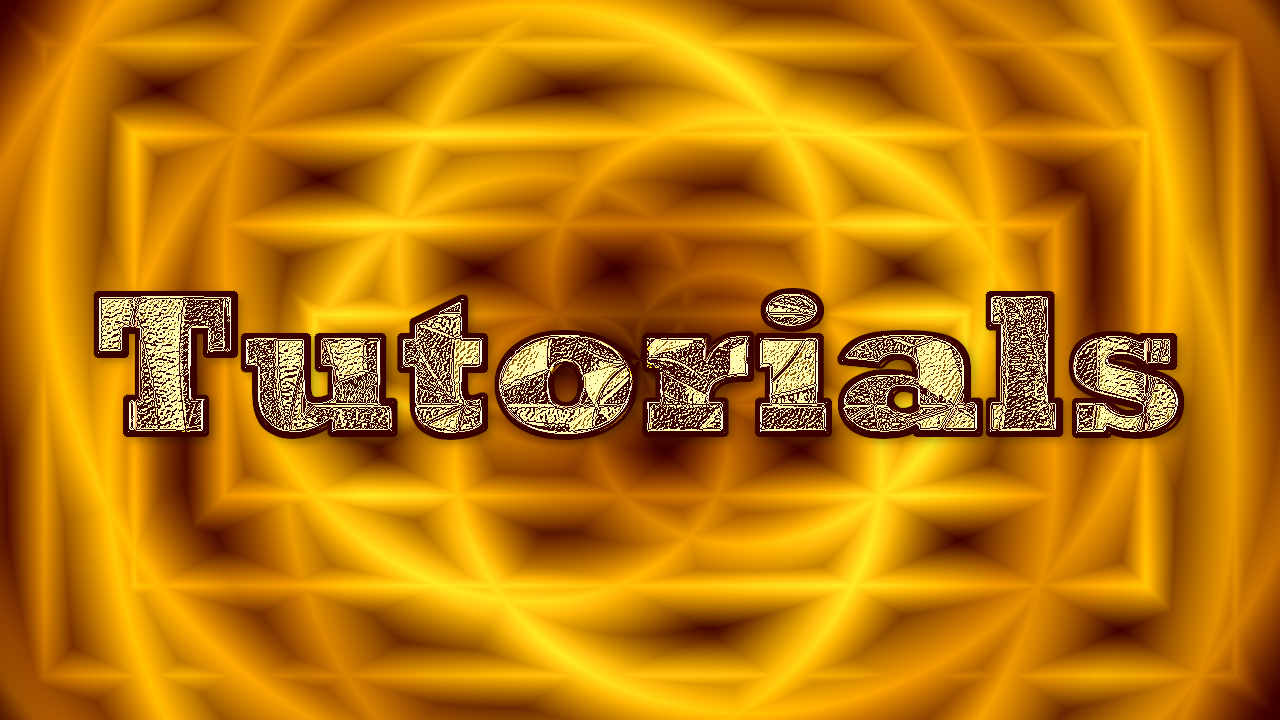
Ecco il risultato fino ad ora ^_^
Video: Plasma Explotion Bg signature 1
Continua sotto / Continue here
Ora create un testo come nel tutorial di questa pagina // Now create some text as shown in this tutorial: Logo tutorial Parte 1 // Logo Tutorial Page 1
Il testo dev'essere di colore Bianco // Text must be White
Usate questi colori, primo piano: B87A2B , sfondo: 915A12 // Use this color for the text fx Foreground: B87A2B, Background: 915A12
Create un livello nero sotto il livello testo per una migliore resa dell' effetto sul testo // Create a black layer under the text layer to make a better fx
See this video for the final steps of this tutorial // Vedetevi questo video per gli ultimi passi di questo tutorial: