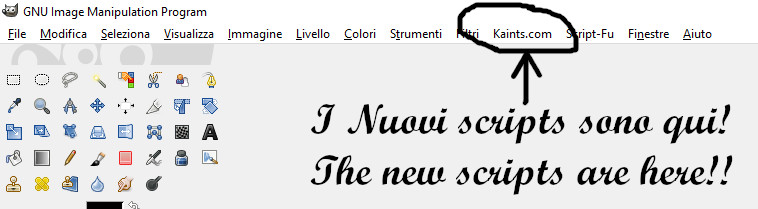
Selezionate lo strumento testo / Select the text tool
Selezionate il font ( io ho usato Gargoyle ) / Select the font ( I have used gargoyle one )
Scrivete un testo, il colore per ora non è importante ( nero è meglio ) / Write some text, the colour isn't important for now ( black is a good choice )
Create un Nuovo Livello, nominatelo "Sfumatura" / Create a new level, call it "Gradient"
Selezionate lo strumento "bacchetta magica" / Select the magic hand tool
Selezionate il livello testo nella finestra dei livelli / Select the Text level on the Level window
Tenendo premuto "shift" selezionate le parti vuote all'interno del testo / Holding down "shift" select the inside empty text part
Selezionate il livello "Sfumatura" / Select the "gradient" level
Selezionate lo strumento "sfumatura" / Select the blend tool ( gradient )
Scegliete i colori / Choose the color ( #0d69bf / #615f5f )
Create la sfumatura iniziando dall'alto verso il basso // Make the gradient start from the top to the bottom
Usate il filtro Sfocatura, sfocatura gaussiana / use the Blur Filter, Gaussian Blur
Questi sono i valori da usare / This are the value to use
Questo è il risultato fino ad ora... continuiamo / this is the result for now... continue
Create un nuovo livello / Create a new level
Create una selezione che copra parzialmente il testo sul nuovo livello / Make a selection to cover parzially the text on this new level
Riempite di bianco la selezione attiva / Fill with white the active selection